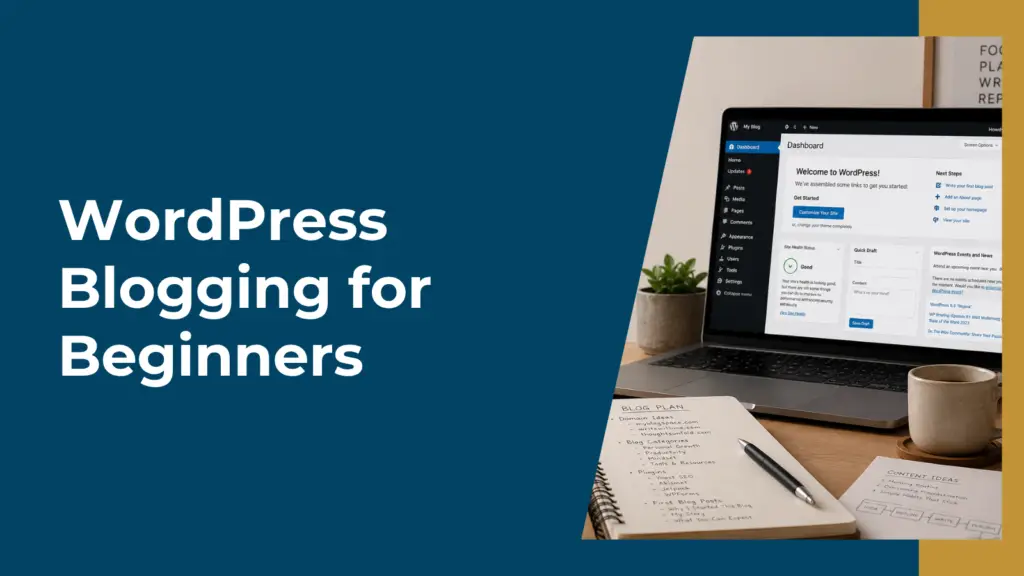
Welcome to our WordPress Blogging For Beginners guide! Starting a blog on WordPress can seem daunting for beginners, but it doesn’t have to be. With the right guidance, you can set up and run your own blog smoothly and efficiently. WordPress is a powerful platform that offers a user-friendly experience, making it an excellent choice as you embark on your blogging journey.
For those new to blogging and looking to to start a blog, WordPress offers many advantages, including customizable themes and a vast library of plugins. These tools help you create a unique and professional-looking blog without needing advanced technical skills. You’ll find that WordPress makes content creation and management straightforward, allowing you to focus more on your writing and less on the technicalities.
Whether you’re blogging for personal fulfillment or building your online presence, WordPress provides the flexibility and support you need to succeed. Starting a blog on WordPress is a great way to share your voice with the world, connect with your audience, and even make some money online. You’ll discover that WordPress not only simplifies the process but also opens doors to numerous opportunities in the blogging world.
To help you get started setting up your blog and save you both time and money, we’ve created a shortlist of all the best tools we use. You can find it here: Best Blogging Tools For Beginners: Top Picks To Start Your Blog
Choosing Your Niche and Domain Name
Selecting the right niche is crucial for your WordPress blog. A niche is a specific topic or theme that your blog will focus on, such as travel, tech reviews, or cooking tutorials. Choose a topic that you are passionate about and that has an audience.
Consider these factors when choosing a niche:
- Interest and Passion: Ensure you have a genuine interest.
- Market Demand: Research how many people are searching for information in this area.
- Competition: Check the existing competition and try to find a unique angle.
Once you have chosen your niche, it’s time to pick a domain name. This is the address people will type to find your blog. Your domain name should be:
- Short and Memorable: Easy to remember and type.
- Related to Your Niche: It should reflect the main theme of your blog.
- Unique and Brandable: Avoid names that are too generic or similar to existing ones.
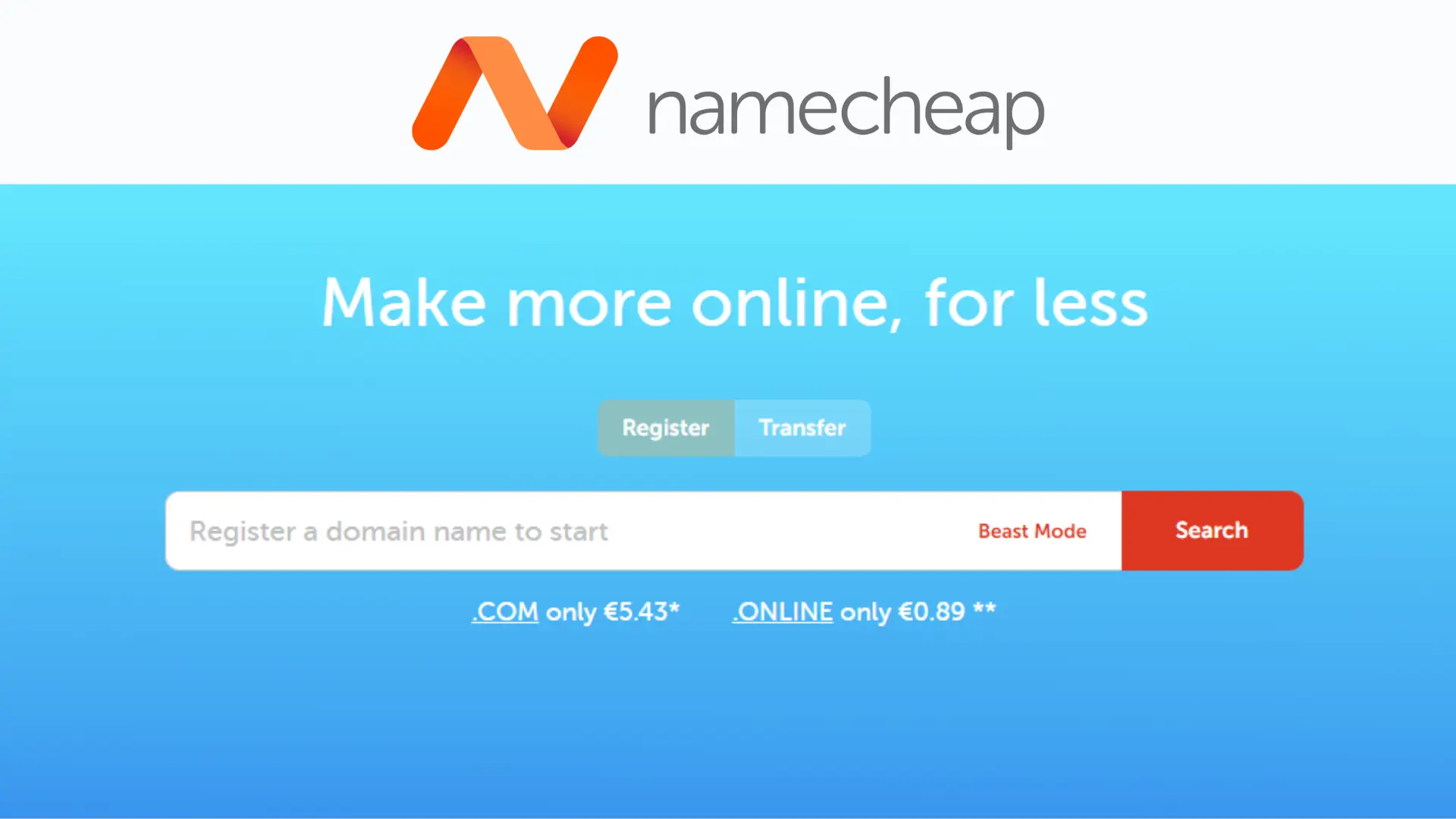
If you are struggling to choose a domain name, you can use a Domain Registrar like Namecheap to help you search for available domains and come up with ideas.
After confirming availability, you can purchase and register your domain name.
Setting Up WordPress Hosting
Choosing the right hosting provider and understanding different web hosting types are critical for your WordPress website.
Selecting a Hosting Provider
Deciding on a hosting provider is the first step. Popular choices include Namecheap or 20i Hosting. Each offers distinct features, such as one-click WordPress installation, customer support, and uptime guarantees.
Consider what you need for your site’s performance. For instance, Namecheap is an affordable option to get started with shared hosting, while 20i Hosting specializes in managed WordPress hosting with advanced security features and other performance enhancements all included in the hosting price, which will cost more from other providers.
Check whether the provider offers a Hosting Plan that fits your budget and specific needs. Compare factors like bandwidth, storage, and scalability to ensure your choice will serve your site well. We use and recommend 20i Hosting. If you want to know more, you can check out our full 20i Hosting review.
Understanding Web Hosting Types is also important. Several web hosting types are available, each catering to different needs. Shared Hosting is cost-effective and ideal for beginners starting small websites.
VPS Hosting offers more resources and better performance, suitable for growing sites. Dedicated Hosting provides maximum control and resources but at a higher cost.
Managed WordPress Hosting simplifies maintenance, including updates and backups. Both Namecheap and 20i Hosting offer this.
Evaluate what aligns with your site’s current and future requirements to select the best hosting option.
Installing WordPress
Installing WordPress can be done using automated tools or by manual methods. Each approach caters to different user preferences and technical skill levels, ensuring a smooth start to your blogging journey.
Most web hosting providers offer auto-installers like Softaculous or Fantastico through cPanel. These tools automate much of the setup process.
- Access cPanel: Log in to your hosting account and navigate to cPanel.
- Locate the Auto-Installer: Find the Softaculous or Fantastico app installer icon.
- Select WordPress: Click on WordPress and then “Install.”
You’ll be prompted to fill in details such as site name, admin username, and password. The auto-installer will handle database creation and file setup. This method is quick and user-friendly, making it ideal for beginners who want a hassle-free installation process.
Manual installation involves more steps but provides greater control. You will need to download WordPress from wordpress.org.
- Download and Unzip WordPress: Get the latest WordPress zip file and extract it on your computer.
- Upload to Your Server: Use an FTP client like FileZilla to upload the extracted files to your web server.
- Create a Database: Go to cPanel and open the MySQL Databases section. Create a new database and a user, then assign the user to the database.
Once the files are uploaded, navigate to your site’s URL. You will be prompted to enter your database name, username, and password. Complete the setup by following the on-screen instructions. This method is best if you prefer hands-on control over your blogging infrastructure.
If you go with the Managed WordPress solutions from Namecheap or 20i Hosting, then they will take care of all of this for you – making set up quicker and easier!
Exploring the WordPress Dashboard
Mastering the WordPress Dashboard is crucial for effectively managing your blog. This section focuses on getting acquainted with the interface and configuring essential settings to optimize your blogging experience.
Familiarize yourself with the Interface first. When you log in, you’ll see the WordPress Dashboard, the control panel for your blog. The left-hand sidebar is your primary navigation tool, featuring options like Posts, Media, Pages, and Comments.
The main area displays various dashboard widgets that provide quick access to key information and tasks. You can customize this area by dragging and dropping widgets to suit your needs.
Above the sidebar, the Toolbar offers quick links to frequently used tasks, such as creating new posts and accessing your profile. Familiarizing yourself with these elements helps you navigate more efficiently.
To configuring Basic Settings, navigate to Settings in the left-hand sidebar to access essential configurations. You’ll find important sections like General, Writing, Reading, and Permalinks.
In the General Settings, you can set your site title, tagline, timezone, and date format. Writing Settings allow you to control default post categories and the post format. Reading Settings let you decide what content appears on your homepage and how many posts are displayed per page.
Permalinks, found in the Permalinks Settings, enable you to customize your URL structure. A common choice is “Post name” for a clean, readable link. Properly configuring these settings ensures a smoother, more efficient blogging experience.
Designing Your WordPress Blog
Creating a visually appealing and functional WordPress blog involves selecting the right theme and enhancing your site with essential plugins. This will help you ensure a seamless user experience and an attractive appearance.
Choosing and Customizing Themes
Choosing the right WordPress theme is vital. Themes control the look and feel of your blog. You can select from free or premium themes in the WordPress repository. Free themes often have limited customization options, while premium themes offer more features and flexibility.
Customization is crucial. You can adjust colors, fonts, layout options, and more. Use the WordPress Customizer, found in the Appearance menu, to make real-time changes. Always test the responsiveness of the theme to ensure it works well on mobile devices. Consider user experience and readability when making design choices. A well-chosen and customized theme enhances the overall appearance and appeal of your blog.
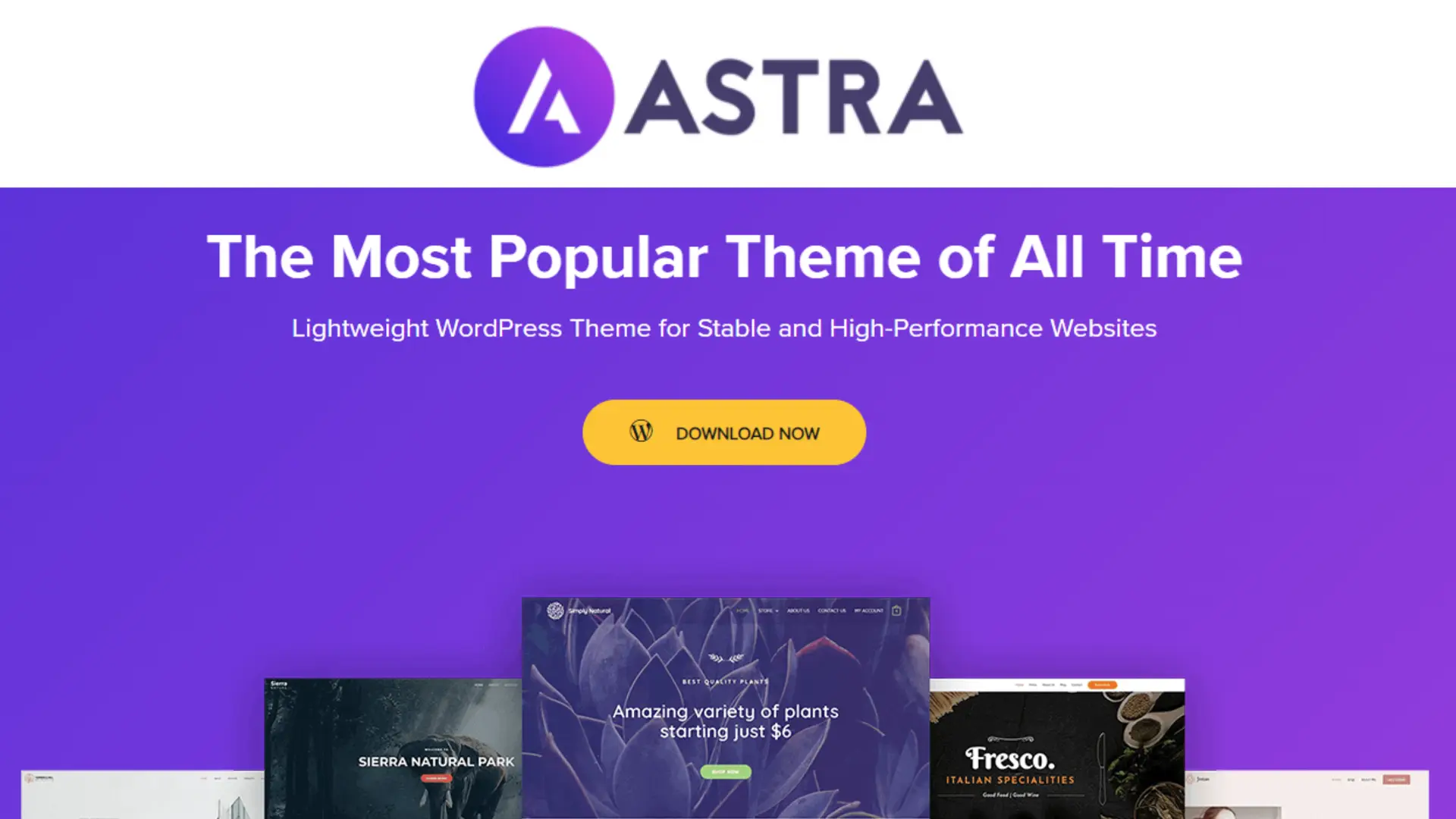
This site has been built using Astra which is known as ‘the most popular theme of all time’! Find out more about its functinality and why we love using it in our Astra WordPress Theme Review.
There are also a number of WordPress Page Builders that you can use which further increase the design and functionality of your blog. These include Spectra, which is made by the same team who created the Astra WordPress Theme, Divi and Elementor. OptimizePress is another leading pagebuilder which is designed specifically to improve conversions for marketing based blogs and websites.
For a full overview of the various WordPress Themes and Page Builders we recommend so you can compare and contrast their functionality read our Best Blogging Tools For Beginners: Top Picks To Start Your Blog
Enhancing Functionality with Plugins
Plugins add functionality to your WordPress blog beyond the default features. You can install plugins to manage SEO, improve social sharing, protect against spam, and more. Essential plugins to consider include RankMath SEO, Akismet Anti-Spam, and Jetpack.
Always check plugin compatibility with your theme and other plugins. Regularly update plugins to maintain security and functionality. Some plugins offer premium versions with additional features, which can be worthwhile for more advanced needs. Remember, too many plugins can slow down your site, so choose wisely and deactivate or delete unused plugins.
Use plugins thoughtfully to enhance functionality without compromising site performance or security.
Creating Content and Pages
When starting your WordPress blog, it’s essential to create engaging posts and establish core pages that will keep your readers informed and navigated. Focus on crafting compelling content and setting up a homepage, about page, and contact page.
Crafting Your First Blog Post
Start by logging into your WordPress dashboard. Navigate to Posts on the left menu and click Add New. You’ll be directed to the post editor.
Begin with a catchy title that reflects the content of your post. Use headings like H2 and H3 to structure your content for readability. Embed images and media to make your posts visually appealing.
Utilize WordPress’s built-in SEO tools by adding keywords and meta descriptions to improve your blog post’s visibility. Before publishing, preview your post to ensure it appears as intended. Click Publish when you’re satisfied with your writing.
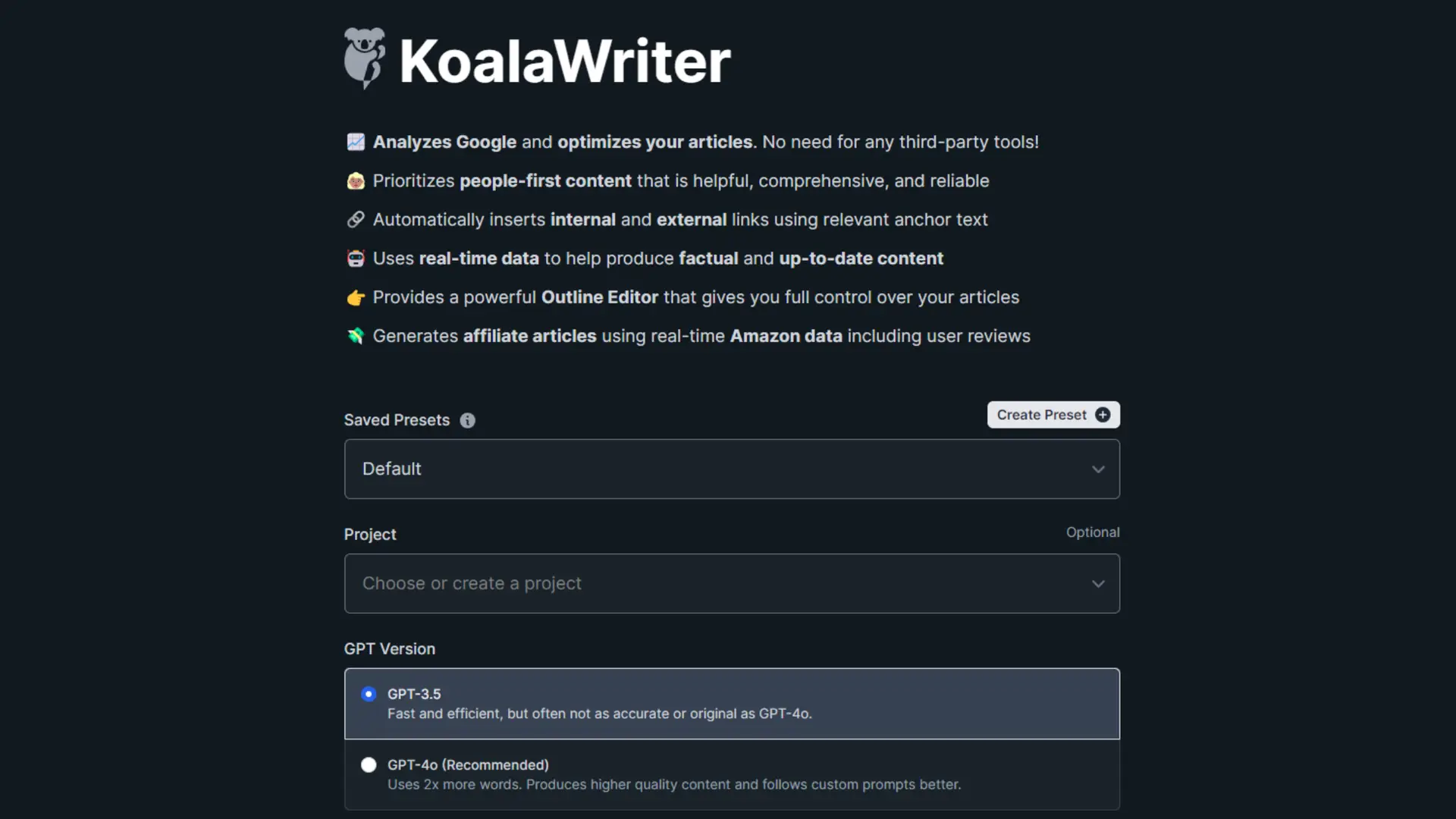
You can speed up your content creation using AI tools like Koala AI which leverages Chat GPT to help you come up with ideas, articles, blog posts and more. Read our in depth Koala AI review to learn more about this time saving tool.
Setting Up Core Pages
To create a page, go to Pages in the dashboard and click Add New. Begin with the homepage. This is often a static page that introduces visitors to your blog. Use the Block Editor to add text, images, and widgets.
Next, create an About Page. This page tells visitors who you are and what your blog is about. Write a brief biography and outline the purpose of your blog.
Lastly, set up a Contact Page. Add a contact form plugin to allow readers to reach out to you. Include your email address and links to social media profiles.
Focus on clean design and clear, concise information to keep your readers engaged. Publish each page when you’re happy with the content and layout.
Optimizing for Search Engines
Effective SEO strategies and improving site speed are essential for increasing visibility and rankings on search engines. These factors directly impact how easily users find your content and the overall user experience.
Mastering SEO Best Practices
Keyword Research: Start by identifying relevant keywords related to your niche. Use tools like Google Keyword Planner to find high-volume search terms.
Quality Content: Write informative and engaging posts that address the needs of your audience. Include targeted keywords naturally within your content.
Tags and Categories: Organize your content with appropriate tags and categories. This helps search engines understand the structure of your site and can improve its indexing.
Permalinks: Ensure your URLs are SEO-friendly. A good permalink structure includes the post name and relevant keywords, e.g., yoursite.com/your-post-title.
Meta Descriptions and Titles: Write compelling meta descriptions and titles that include your primary keyword. These elements appear in search engine results and can attract clicks.
Internal and External Links: Link to other relevant pages within your site and reputable external sources. This enhances your site’s credibility and can aid in SEO.
There are some great plugins available to help streamline SEO for you. Check out our RankMath review to learn more about how it can save you time and money optimzing your SEO so you content reaches the right audience.
Improving Site Speed and Performance
Image Optimization: Compress images to reduce file size without losing quality. Use formats like WebP or JPEG for faster loading times.
Caching: Implement browser and server-side caching to store copies of your site’s pages. This reduces server load and speeds up page delivery.
Minimize Plugins: Limit the number of plugins you use. Excessive plugins can slow down your site and create security vulnerabilities.
Lazy Loading: Enable lazy loading for images and videos. This technique loads content only when it’s visible on the screen, enhancing initial load times.
Responsive Design: Ensure your site is mobile-friendly. A responsive design adjusts to different screen sizes and improves user experience, which is a ranking factor for search engines.
Monitor Performance: Regularly use tools like Google PageSpeed Insights or GTmetrix to check your site’s speed and performance. Make necessary adjustments based on their recommendations.
One of the best ways to speed up your site is to use a service like Bunny.net, which is a versatile CDN (Content Distribution Network) that aims to deliver fast and efficient content globally. It operates over numerous data centers worldwide, ensuring low latency and high availability of your content. The platform supports a variety of features such as video delivery and file storage.
Read our in-depth bunny.net review to learn more.
Engaging with Your Audience
Effectively engaging with your audience involves managing comments and feedback and fostering a sense of community. It is essential to ensure that your readers feel valued and heard, thereby building a loyal and active readership.
Managing Comments and Feedback
Actively managing comments enhances audience interaction. Respond promptly to comments on your blog posts, as this shows you value your readers’ input. Approve genuine comments and address spam using WordPress plugins like Akismet.
Maintain a respectful tone, even when addressing negative feedback. Constructive criticism can offer valuable insights into what your audience wants. Create clear guidelines for comment behavior to ensure a positive discourse.
Utilize comment moderation features to keep conversations constructive. This helps in fostering a respectful and engaged audience, making your blog a welcoming space.
Building a Community
Building a community around your blog encourages readers to engage more deeply. Create a consistent posting schedule to keep your audience returning. Share your posts on social media and invite readers to join groups related to your blog’s niche.
Encourage readers to subscribe to newsletters. Use forums or discussion boards to facilitate deeper interactions. Host Q&A sessions or live chats to foster real-time engagement.
Offer exclusive content to dedicated followers, making them feel part of an inner circle. This approach not only builds loyalty but also encourages organic growth through word-of-mouth.
Monetizing Your Blog
To make money from your WordPress blog, focus on exploring various advertising options and setting up affiliate marketing strategies to generate revenue.
Exploring Advertising Options
One way to monetize your blog is through advertising. Google AdSense allows you to display ads relevant to your content. You earn money each time a visitor clicks on the ad.
Placement matters. Ads should be placed strategically to ensure visibility without overwhelming your readers.
Consider banner ads at the top or sidebar of your blog. If you have significant traffic, direct partnerships with brands can be lucrative. Negotiate terms and set clear expectations regarding payment and ad placements.
Setting up Affiliate Marketing
Affiliate marketing involves promoting products or services and earning a commission on sales generated through your links. Sign up with affiliate programs such as Amazon Associates or specialized networks like ShareASale.
Choose products relevant to your content. This increases the likelihood that your audience will be interested.
Create content that includes these affiliate links naturally. Reviews, how-to guides, and product comparisons work well.
Measuring success is crucial. Use plugins like PrettyLinks to manage your links and track their performance.
Consider diversifying your income by partnering with various programs. This can provide a steadier revenue stream and lower your dependence on any single source.
Maintaining Your WordPress Site
Taking care of your WordPress site is essential for its security and functionality. Regular updates to plugins, themes, and WordPress itself, along with routine backups, are crucial steps.
Performing Regular Updates
Keeping your WordPress site updated is vital. Updates often contain security patches that protect your site from vulnerabilities. Make it a habit to check for updates at least once a week.
To update, go to Dashboard > Updates. Here you can see if there are any updates for WordPress core, themes, or plugins. Always update plugins and themes first before updating the WordPress version.
Before performing any updates, it is good to backup your site. Sometimes updates can cause compatibility issues. Having a recent backup ensures you can restore your site if something goes wrong.
Consider using a staging site for major updates. This lets you test updates in a controlled environment before applying them to your live site.
Creating Backups for Security
Backing up your WordPress site guarantees that you have a copy of your data in case of emergencies, such as hacking or crashes. 20i Hosting provides backups as part of their hosting service, but there are other plugins available through WordPress to automate this also.
Set backups to run daily or weekly, depending on how frequently you update your content. Store backups in a remote location, such as Google Drive, Dropbox, or an external server.
Manual backups can also be performed. Access your site’s files via FTP and download a copy to your local drive. Likewise, export your database using phpMyAdmin. Although more time-consuming, manual backups add an extra layer of security.
Regularly test your backups to ensure they are complete and functional. Restoring a partial or corrupt backup can cause significant issues.
Backup frequency and remote storage are key elements for maintaining a fully secure backup protocol for your WordPress site.
Leveraging WordPress Resources
Maximizing your knowledge and skills with WordPress can be greatly aided by engaging with a variety of available resources. Whether through attending webinars and workshops or accessing online tutorials and courses, you’ll find numerous ways to enhance your blogging journey.
Attending Webinars and Workshops
Webinars and workshops provide real-time learning environments. These sessions often feature industry experts who share their insights and best practices. You can ask questions, participate in discussions, and gain hands-on experience.
Look for webinars offered by established WordPress developers or communities. Many of these are free or low-cost. Workshops, on the other hand, might be more intensive, often accompanied by exercises or assignments that help solidify your learning.
Accessing Online Tutorials and Courses
Online tutorials and courses are excellent for self-paced learning. Platforms like Udemy, Coursera, and LinkedIn Learning offer structured courses covering everything from basic setup to advanced customization of your WordPress site.
These courses often include video lessons, written guides, and quizzes to assess your knowledge. Many tutorials are available for free on YouTube and other educational websites, making it easier to find exactly what you need to enhance your skills.
Maximizing Plugins and Widgets
Enhancing your WordPress blog involves optimizing plugins and widgets to improve functionality and user experience. Focus on adding eCommerce tools and incorporating media galleries to transform your blog.
Utilizing eCommerce Tools
Adding eCommerce tools to your blog can increase engagement and sales. Plugins like WooCommerce enable you to set up an online store easily, including product listings, inventory management, and payment gateways.
Use widgets to display featured products, sales banners, and offer personalized recommendations. Contact forms are crucial for customer inquiries and can be added using plugins like WPForms. These tools streamline communication and help you manage customer relationships effectively.
Keep your plugins updated for security and performance. This ensures that your store runs smoothly and provides a seamless shopping experience for visitors.
Incorporating Media Galleries
Media galleries can significantly enhance the visual appeal of your WordPress blog.
Add galleries to your blog posts to make them more engaging. For instance, you can create a gallery of event photos or showcase your portfolio. Widgets help display your latest gallery posts on the sidebar or footer, attracting more views.
Read our Best Blogging Tools For Beginners: Top Picks To Start Your Blog for a list of image and video tools to help you make the most impact with your media like ClickDesigns, InVideo and ScreenPal.
Efficient media management is essential. Use plugins that optimize images to improve site speed. This ensures that your galleries load quickly and provide a pleasant user experience. Bunny.net image optimization and CDN services can significantly speed up the performance of your site if you are hosting a lot of large images and videos.
Growing Your Digital Presence
Growing your digital presence involves effective use of social media and meaningful collaboration with other bloggers. These tactics can extend your reach and enhance your blog’s influence.
Leveraging Social Media
Use social media platforms like Facebook, Twitter, and Instagram to share your blog posts. Tailor your content to suit each platform and engage with your audience regularly. Pinpoint the social media channels where your target audience spends the most time.
Use Hashtags and Keywords relevant to your blog to increase visibility. Posting at optimal times also maximizes engagement. Create visually appealing snippets of your blog posts.
Consider tutorials or digital products to drive traffic. Analyze metrics like shares and comments to refine your strategy and understand what appeals most to your audience.
Collaborating with Other Bloggers
Partnerships with other bloggers can introduce you to new audiences. Start by identifying bloggers in your niche with a similar target audience. Reach out with a specific collaboration proposal.
Options for collaboration include guest posts, joint social media campaigns, or co-created digital products. Trust and mutual benefit make such collaborations successful.
Highlight your strengths and clearly define roles and expectations. Regular communication and goal-setting ensure a productive partnership. This can significantly expand your digital reach and build your blog’s credibility.
Understanding WordPress.com vs WordPress.org
When starting a blog, it’s important to know the difference between WordPress.com and WordPress.org.
WordPress.com is a hosted solution. This means your blog is hosted by WordPress itself. You won’t need to deal with server management. There are free and paid plans. The free plan comes with basic features but has limited customization options. Paid plans offer more features like additional themes and plugins.
WordPress.org is self-hosted. You download the software from WordPress.org and install it on your server. This gives you complete control over your site’s functionality and appearance. It’s free to use, but you’ll need to buy your own hosting and domain name.
| Feature | WordPress.com | WordPress.org |
|---|---|---|
| Hosting | Managed by WordPress | Self-hosted (you manage it) |
| Cost | Free with paid upgrades | Free software, but hosting costs |
| Customization | Limited on free plans | Unlimited, full control |
| Plugins | Restricted to certain plans | Unlimited, any plugin you want |
| Themes | Limited on free plans | Unlimited, any theme you want |
| Monetization | Limited unless premium plan | Full control over monetization |
WordPress.com is well-suited for beginners who want a straightforward setup. You won’t need technical skills to get started, and maintenance is minimal.
WordPress.org offers flexibility for those who need customizable options and are comfortable managing technical details. This open-source platform is popular among tech-savvy users and those who need specific functionalities.
Final Thoughts: Your WordPress Blog Doesn’t Need to Be Perfect
Starting a WordPress blog involves plenty of decisions.
There are hosting providers, themes, plugins, page designs, SEO settings, security tools and countless customisation options to consider. When you’re new to WordPress, it’s easy to spend weeks adjusting all of them before you feel ready to publish anything.
But your website doesn’t need to be perfect before your blog can be useful.
It needs to work well, be easy to navigate and give you a reliable place to publish content for the people you want to reach.
Once those foundations are in place, your attention is usually better spent understanding your audience and creating genuinely helpful content than continually redesigning your website or searching for another plugin.
Start with a simple structure. Make sure the essential technical foundations are working. Then publish.
Your first articles don’t need to establish you as the definitive authority on your subject. They give you somewhere to start. As you create more content, you’ll learn which topics attract readers, which questions matter to your audience and where your own knowledge can provide the most value.
Your website can develop alongside that understanding.
Over time, individual articles become a growing library of useful content. Search engines can discover it. Readers can find it. Your internal links can connect related ideas. And your blog can gradually become an asset that attracts an audience and supports the wider online business you’re building.
That process doesn’t require you to master every part of WordPress first.
So get the foundations right, resist the temptation to endlessly optimise the platform, and focus on the part that ultimately gives your blog its value:
Create something worth reading. Then keep building from there.

Jonathan Lamb
Founder, Digital Wealth Lifestyle