
Pretty Links Review

Pretty Links is a must-have tool for anyone looking to manage and optimize their URL links effortlessly. With its user-friendly interface, robust link tracking capabilities, and seamless integration with WordPress, Pretty Links makes link management a breeze. Whether you’re a blogger, marketer, or business owner, this tool will help you streamline your links and boost your online presence.

Are you tired of juggling multiple URLs and struggling to keep track of your link performance? If you’re looking to simplify and streamline your link management, Pretty Links might be the tool you need. Pretty Links helps you create clean, easily shareable URLs that can instantly boost your marketing efforts. It’s designed to manage and track your links with minimal effort, making it a great resource for both beginners and seasoned marketers.
Finding an efficient way to manage your affiliate links can be challenging. Pretty Links offers features like automatic link creation and redirection that can save you a significant amount of time. Its user-friendly interface allows you to quickly generate and track links, helping you optimize your campaigns.
Whether you’re a blogger, a digital marketer, or an online business owner, you’ll find value in the detailed analytics Pretty Links provides. With this tool, you gain insights into your link performance, enabling you to make data-driven decisions. By the end of this Pretty Links review, you’ll have a clear idea of whether Pretty Links is the right fit for your needs.

What Is Pretty Links?
Pretty Links is a WordPress plugin designed to manage and shorten URLs for better branding, tracking, and sharing. It is particularly beneficial for managing affiliate links and ensuring a clean, user-friendly appearance on your site.
Understanding Link Management
Link management is crucial for maintaining a tidy and professional website. Pretty Links allows you to shorten long URLs, making them more appealing and easier to share. You can customize the URL slugs to match your branding, enhancing your site’s credibility.
Key Features:
- Customizable slug: Tailor URLs to reflect your brand.
- Redirection options: Choose from 301, 302, or 307 redirects.
- Analytics: Track clicks and gather useful data.
Using Pretty Links helps in keeping your links organized and easily accessible. This is essential for maintaining the quality and reliability of your website.
The Role of Pretty Links in Affiliate Marketing
Affiliate marketing involves promoting other people’s products and earning commissions on sales through your affiliate links. Pretty Links makes it simpler to manage these links. It helps you cloak affiliate URLs, presenting them as more trustworthy and professional.
Benefits for Affiliate Marketers:
- Brand consistency: Custom URLs build trust with your audience.
- Tracking: Monitor which links perform best to optimize marketing strategies.
- Redirection: Seamlessly redirect users without breaking links.
Using Pretty Links can significantly streamline your affiliate marketing efforts by making links easy to manage and track. This ensures that you can focus on generating revenue rather than worrying about technical details.
Getting Started with Pretty Links
You will learn how to install Pretty Links on WordPress and set up your first affiliate link. This guide is tailored to both beginners and seasoned users, ensuring a smooth experience.
How to Install the Plugin on WordPress
First, log into your WordPress dashboard. Navigate to the Plugins section and click on Add New. In the search bar, type “Pretty Links.” Locate the plugin and click Install Now.
Once the installation is complete, activate the plugin by clicking on the Activate button. You will now see a new Pretty Links option in your WordPress menu.
Next, go to the Pretty Links settings to configure basic options. You can customize default link options, tracking settings, and URL slugs here. Spend a few moments familiarizing yourself with these settings to optimize the plugin for your needs.
Setting Up Your First Affiliate Link
Click on the Pretty Links option in the WordPress menu and select Add New Link. You’ll be prompted to enter a target URL, which is where your affiliate link will redirect.
Enter a title for your link, which will help you identify it later. Then, customize the pretty link slug to create a user-friendly URL. For instance, you might use something like “product-name” instead of a random string of characters.
Configure additional settings such as redirection type (307, 301, etc.) and no-follow options, depending on your requirements. Click the Update button to save your new affiliate link. Your first Pretty Link is now ready to be shared and tracked.
Link Cloaking and Redirection
Link cloaking and redirection serve to manage and present URLs more effectively, often making links shorter, more personalized, and easier to track. Both techniques are essential for anyone looking to improve their link management practices.
Understanding Cloaking and Its Benefits
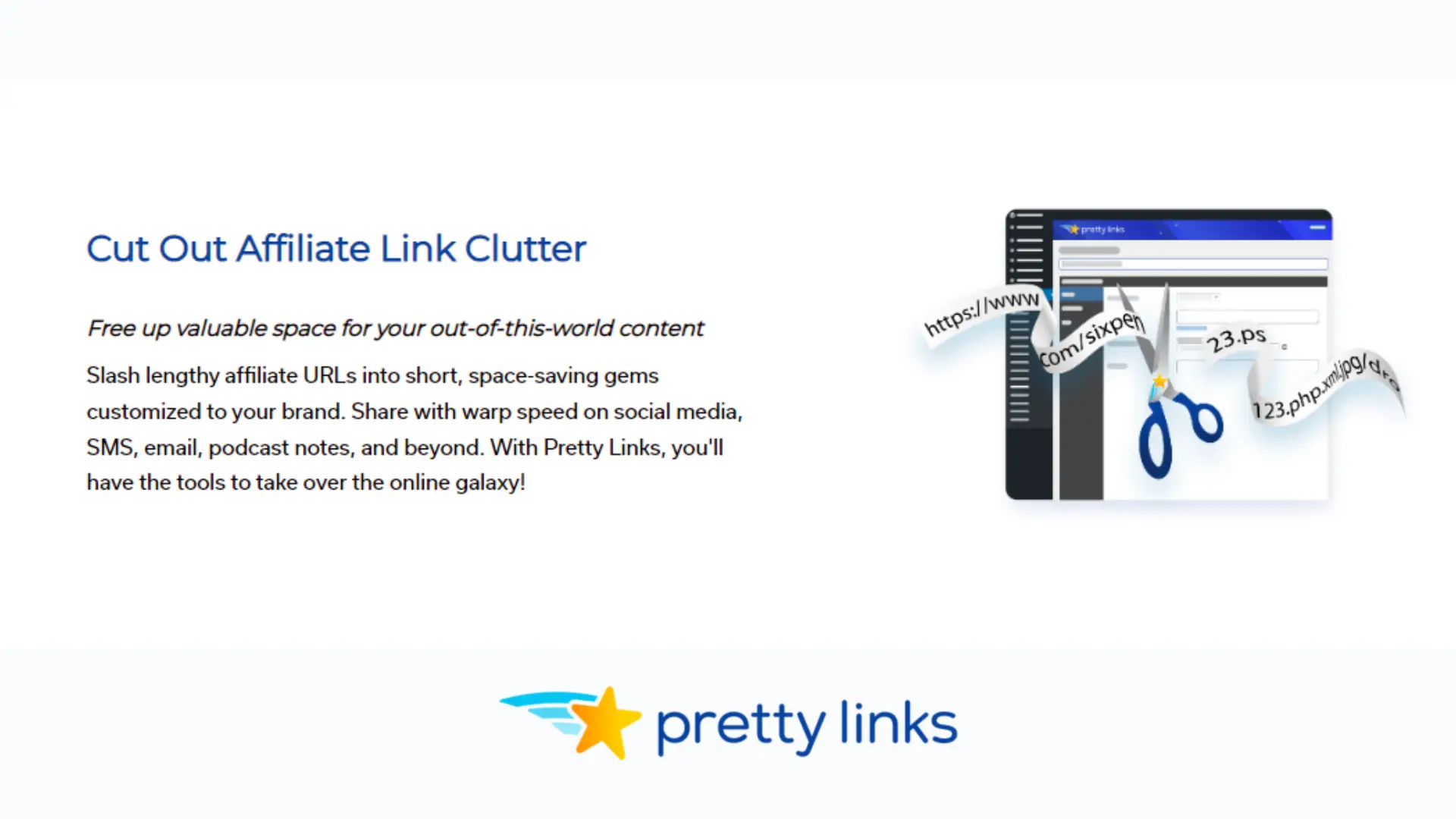
Link cloaking refers to the technique of making a long, complex URL appear shorter and more readable. This is typically achieved by replacing the original URL with a more attractive and memorable one. Cloaking can help in more than just aesthetics; it can also protect the affiliate ID, making it less likely to be hijacked.
A cloaked link can increase user trust, as it tends to look cleaner and more professional. When users hover over the link, they see a recognizable domain, which can lead to higher click-through rates. Cloaking also helps to manage links within your domain, which can improve brand consistency and cohesiveness.
How to Set Up Redirections in Pretty Links
Setting up redirections in Pretty Links is straightforward and involves a few essential steps. First, go to your WordPress dashboard and find the Pretty Links plugin. Click on “Add New Link.” You’ll need to enter the target URL, which is the destination you want to send users to.
Next, choose a shortening and cloaking option, where you input the desired short link text. You can also select the type of redirection: 301 (permanent), 302 (temporary), or 307 (temporary). After adding any needed tags or notes, hit “Create.” Useful redirection types in Pretty Links help you manage how search engines and browsers treat your shortened URLs.
Using tags and categories for your links will help keep everything organized, making it easier to manage all your links in one place.
Key Features of Pretty Links
Pretty Links offers tools for creating short, customizable links and advanced tracking analytics, ensuring efficient URL management.
Link Shortening and Pretty Links Slug Creation
Pretty Links provides an easy-to-use link shortening tool that transforms lengthy URLs into short links. You can customize these short links by creating slugs, which are user-friendly and branded extensions. This makes your URLs more memorable and professional.
The process of creating a pretty link slug is straightforward. You simply input the destination URL and customize the slug with your brand or keyword. This feature is beneficial for marketers looking to maintain consistency and branding in their URLs.
Advanced Tracking and Analytics Tools
The platform offers advanced tools to track the performance of your links. You can monitor click counts, unique visitors, and geographic data. This helps in assessing the effectiveness of your campaigns.
Pretty Links analytics provides insights into user behavior, allowing you to optimize your marketing strategies. The data can be exported for further analysis, supporting a more comprehensive approach to your link tracking efforts.
Organization and Management of Affiliate Links
Effectively organizing your affiliate links can significantly improve your workflow and make tracking easier. Proper use of groups, tags, and categories can streamline your link management process.
Grouping Links for Better Organization
Grouping related affiliate links can help you manage them more efficiently. By creating groups based on criteria like product type, merchant, or campaign, you can quickly locate and use specific links when needed.
For example, you might create a group for your health and wellness affiliate links, another for tech products, and another for fashion. This structure reduces the time spent searching for the right link, allowing you to focus more on your marketing efforts.
Using Tags and Categories to Sort Links
Tags and categories further enhance your ability to organize affiliate links. Categories can be broad, such as “electronics” or “household items,” helping you quickly locate links within a specific domain.
Tags add another layer of specificity. For instance, within the “electronics” category, you can use tags like “smartphones,” “laptops,” and “accessories.” Tags make it easier to track performance and analyze which types of products or domains are most profitable.
Combining categories and tags provides a robust system for efficiently managing your affiliate links. This approach not only simplifies organization but also boosts your productivity.
User Experience and Link Integration
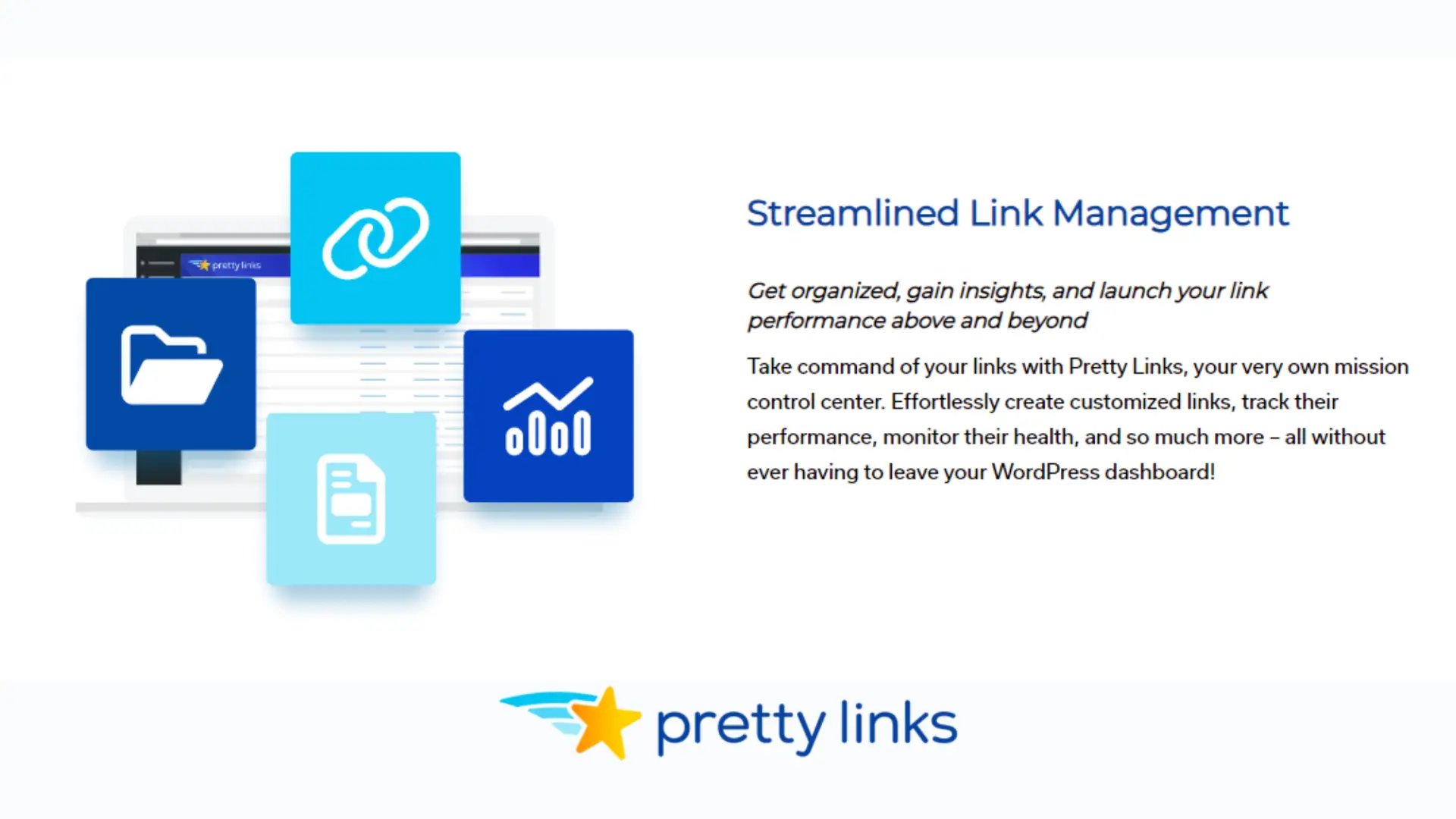
Creating and managing links efficiently can greatly enhance user experience and streamline your content.
Incorporating Links into Posts and Pages
You can easily add Pretty Links to your posts and pages using a simple interface. The plugin enables you to convert lengthy URLs into shorter, more memorizable links. This is particularly helpful for managing affiliate links, which can often be unwieldy and hard to track.
Steps to integrate links:
- Install and activate the Pretty Links plugin.
- Navigate to the ‘Add New Link’ option.
- Enter the destination URL and your preferred short link.
- Insert the generated short link into your content.
Benefits:
- Keeps your content clean by avoiding cluttered URLs.
- Enhances readability and professionalism.
- Facilitates easier tracking of link performance.
Improving User Experience with Clean URLs
Short URLs improve user experience by creating a more professional appearance for your content. They are easier for users to remember and share. This can significantly affect how users interact with your site.
Advantages:
- Aesthetic Appeal: Clean URLs look professional and less spammy.
- Ease of Sharing: Users are more likely to share simpler, shorter links.
- Tracking: Short URLs allow for straightforward performance tracking within Pretty Links, helping you understand which links are most effective.
Using Pretty Links to create clean URLs ensures that your content remains accessible and user-friendly. This can lead to higher engagement and better website analytics.
Working with Different Types of Redirects
Understanding how to work with the different types of redirects and setting them up correctly is crucial for effective URL management. This ensures that your users and search engines are directed to the right content.
Choosing the Right Redirection Type
Choosing the appropriate redirection type is essential based on your specific scenario. Each redirection type serves a unique purpose, and incorrect use can affect your website’s performance and SEO.
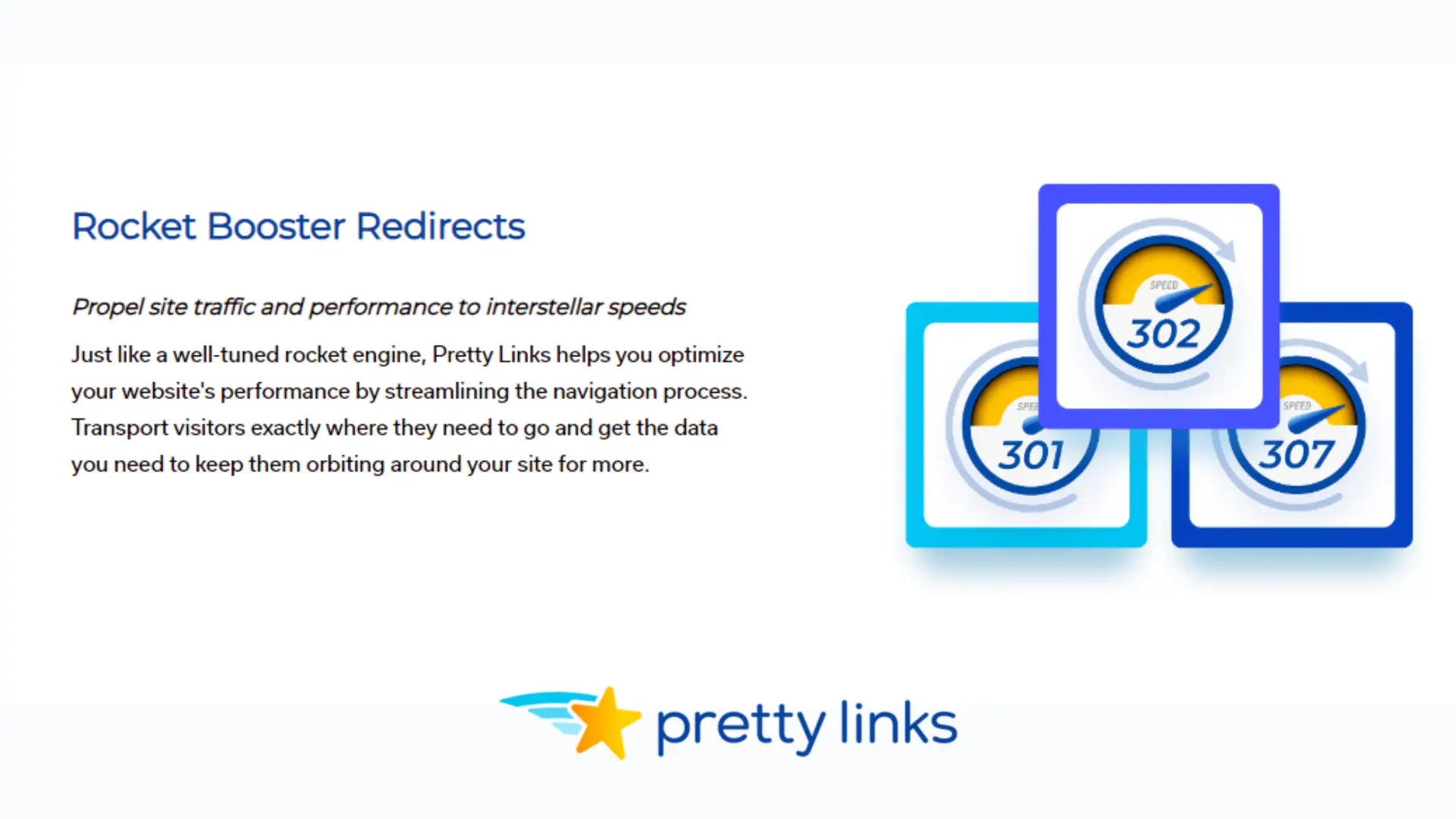
301 Redirects: These are used for permanent changes. They signal to search engines that the original URL has been moved permanently to a new destination, passing most SEO value.
302 Redirects: Temporarily redirect users and search engines to a different URL while keeping the original URL. They don’t pass significant SEO value.
307 Redirects: This type, like the 302, temporarily redirects but strictly adheres to the original request method (GET or POST).
Cloaked Links: Used primarily for affiliate marketing. They hide the destination URL from users, providing a cleaner and more appealing link. However, it is important to use these appropriately to avoid SEO penalties.
Setting Up 307 Redirects
307 redirects are beneficial when you want to ensure that the request method remains unchanged. They are particularly useful for temporary maintenance or A/B testing scenarios.
To set up a 307 redirect in Pretty Links:
- Go to the Pretty Links Dashboard: Navigate to the ‘Add New Link’ option.
- Enter Your URL Details: Input the target URL you want to redirect to.
- Choose the Redirection Type: Select ‘307 Temporary Redirect’ from the available options.
- Save and Activate: Save your configuration to activate the 307 redirect.
When configured correctly, users and search engines receive a clear signal that the temporary redirect maintains the request’s original method, thus not disrupting any form submissions or fetching processes.
Pretty Links and SEO Best Practices
Leveraging Pretty Links can significantly enhance your SEO efforts by optimizing link structures and managing affiliate links with nofollow tags.
The Impact of Link Structure on SEO
A well-organized link structure is crucial for SEO. Pretty Links allows you to create clean and concise URLs that are more appealing to users and search engines. Simplified slugs (e.g., yourdomain.com/product) can improve click-through rates and make links easier to share.
Key Points:
- Increased user trust due to readable URLs.
- Positive impact on click-through rates.
- Enhanced ability for search engines to crawl and index your site.
Consistent formatting of links through Pretty Links ensures uniformity across your website, helping to maintain a professional appearance.
Using Nofollow Tags with Affiliate Links
Managing affiliate links is essential to avoid penalties from search engines. Pretty Links lets you add nofollow tags, indicating to search engines not to follow these links. This is vital for maintaining your site’s SEO performance.
Advantages:
- Prevents potential SEO penalties.
- Avoids passing “link juice” to affiliates.
- Helps to keep your site in good standing with search engines.
You can also use Pretty Links to cloak affiliate links, which makes them more user-friendly and manageable while still preserving nofollow attributes.
Analyzing and Reporting Link Performance
Effective link performance analysis and reporting can help you make data-driven decisions for your strategy. Pretty Links integrates seamlessly with tools like Google Analytics and provides real-time reporting to keep you updated on your links’ performance.
Using Pretty Links with Google Analytics
Integrating Pretty Links with Google Analytics allows you to track your clicks more accurately. To set this up, you must first link your Google Analytics account to Pretty Links. This connection enables you to merge click tracking data into your Analytics dashboard.
You can create custom tracking parameters using UTM tags to get detailed insights. For instance, you can break down your links’ performance by source, medium, and campaign. This helps in identifying which traffic sources are most effective.
Moreover, Pretty Links shorten URLs while keeping the original tracking parameters intact. This provides a cleaner look without losing vital tracking details. By employing Google Analytics in tandem with Pretty Links, you can dive deeper into the metrics and enhance your strategy accordingly.
Real-Time Reporting
Pretty Links offers real-time reporting, giving you immediate access to your links’ performance data. When you publish a link, you can see how it performs right away. Real-time click tracking helps you understand user behavior as it happens.
Within the Pretty Links dashboard, you can monitor metrics such as click-through rates, geographic locations of clicks, and devices used. This allows you to make quick adjustments if a particular link is underperforming.
The real-time data is displayed in an easy-to-understand format with graphs and charts. This immediacy ensures that you aren’t relying on outdated information to make decisions. Whether you are testing new links or managing an existing campaign, real-time reporting keeps you informed and agile.
Enhancing Marketing Strategies with Pretty Links
Using Pretty Links can streamline your marketing strategies by enabling the creation of campaign-specific links and optimizing social media sharing. Here’s how you can utilize these features effectively.
Creating Campaign-Specific Links
Pretty Links allows you to generate custom links that align with specific marketing campaigns. By tailoring these links, you can track the performance of various campaigns more accurately.
Assign unique short links to each campaign, making it easier to monitor clicks and engagement. Use UTM parameters to track additional data, like source, medium, and campaign name.
This will help you understand which avenues are most effective for your marketing efforts. It also simplifies the process of A/B testing different campaign approaches.
Leveraging Pretty Links for Social Media Sharing
Pretty Links can optimize social media sharing by providing clean, branded URLs that are more engaging for your audience. Custom short links are easier to remember and share, increasing the likelihood of clicks.
You can also use these links to track the success of your social media campaigns. Monitor the number of clicks and interactions received through platforms such as Facebook, Twitter, and LinkedIn.
Moreover, by integrating tracking pixels with Pretty Links, you can gather even more data about user behavior, enabling you to refine your marketing strategies further.
Utilize these features to boost your social media presence and improve overall campaign performance.
Pretty Links for Content Creators and Marketers
Pretty Links offers significant advantages for bloggers, super affiliates, and those integrating product displays into their content. This tool enhances link management and tracking for more effective marketing.
Benefits for Bloggers and Super Affiliates
Pretty Links simplifies the process of managing and sharing links. As a blogger, you can use it to create short, memorable URLs for your blog posts. This makes link sharing on social media platforms more attractive and increases click-through rates.
For super affiliates, Pretty Links offers detailed tracking features. It helps you monitor which links perform best, enabling better optimization of your content. Redirection options are also available, which can drive traffic to the most profitable pages or products.
By using Pretty Links’ automation tools, you can save time. Set up your affiliate links once, and let the tool handle the rest. It’s a robust solution for anyone focused on content and affiliate marketing.
Integrating Pretty Links with Product Displays
Having attractive, clickable product displays in your blog posts can significantly impact your revenue. Pretty Links makes it easy to integrate these displays with your links. Create custom short URLs that make product links cleaner and more professional.
You can also use tracking pixels to gather data on which of your product displays are most effective. This makes it easier to adjust your strategy based on performance. Detailed reports provide insights into click-through rates and conversions, allowing you to refine your approach.
Additionally, with Pretty Links’ link cloaking feature, you can mask your affiliate links, making them look more appealing and trustworthy to your audience. This can potentially increase the trust and likelihood of clicks on your product displays.
By using Pretty Links alongside your product displays, you enhance your ability to track, manage, and optimize your affiliate links seamlessly.
Understanding Pretty Links Pricing Plans
Pretty Links offers a variety of pricing plans tailored to different needs. From a free version to several premium plans, each option provides specific features that cater to various user requirements and budgets.
Comparing the Free and Premium Versions
The free version of Pretty Links allows users to create unlimited branded links, track the number of clicks, and access basic reports. This version is ideal for individuals or small businesses with simple link management needs.
In contrast, the premium versions offer additional features. The Beginner plan includes advanced redirection types, automatic keyword linking, and tracking for unique clicks. The Marketer plan adds to this with Google Analytics integration, conversion reports, and advanced redirect types. The Super Affiliate plan includes all previously mentioned features plus advanced reporting and priority support.
| Version | Key Features | Best For |
|---|---|---|
| Free | Basic link creation and tracking | Individuals, small businesses |
| Beginner | Advanced redirection, keyword linking | Small to medium businesses |
| Marketer | Google Analytics, conversion reports | Medium businesses, marketers |
| Super Affiliate | Advanced reporting, priority support | Large businesses, affiliates |
Evaluating the Cost-Benefit of Each Plan
*Cost-benefit analysis is crucial when deciding on the appropriate plan. The free version’s cost-effectiveness suits those with minimal requirements, as it provides the essentials without any financial commitment.
For those needing more robust features, the Beginner plan is a cost-effective step up, offering enhanced link management tools for a reasonable price.
The Marketer plan provides medium-sized businesses and professional marketers with valuable integration and reporting features, justifying the higher cost for those who require detailed analytics.
Lastly, the Super Affiliate plan may appear expensive, but its comprehensive features, including priority support and advanced reports, make it highly beneficial for large enterprises and professional affiliates seeking maximum performance.
Choosing the right plan hinges on balancing the cost against the features and benefits relevant to your specific needs.
Technical Support and Community
Pretty Links offers several support options for users, and the community provides valuable insights, tips, and best practices. The dedicated support channels ensure you receive timely assistance, while the community fosters a collaborative environment for users to share experiences.
Accessing Pretty Links Support Channels
Pretty Links provides multiple avenues for technical support. For immediate assistance, you can access the knowledge base on the official website. It features detailed articles, FAQs, and step-by-step guides.
If you need personalized help, consider reaching out to the email support team. This option is available to all users, with priority support being extended to premium subscribers. Priority support ensures quicker response times and more in-depth assistance.
Regular software updates ensure you have access to the latest features and security patches. Active subscriptions also give you access to the newest enhancements and technical improvements.
Leveraging the Community for Tips and Tricks
The Pretty Links community is an invaluable resource for gaining deeper insights into using the tool effectively. Various forums and social media groups enable users to ask questions, share hacks, and provide feedback.
Users often share innovative ways to maximize the functionality of Pretty Links, such as optimizing link redirects or utilizing advanced tracking features. Participating in these discussions can enrich your understanding of the tool and introduce you to new strategies.
Follow the official Pretty Links blog as well. It often features tutorials, updates, and community highlights that can offer fresh perspectives on utilizing the service. Regularly engaging with the community keeps you updated on the latest trends and best practices.
Best Practices and Advanced Uses
When managing your links, regular maintenance and testing are crucial. Utilizing branded links enhances credibility and makes it easier for your audience to recognize them.
Maintaining Link Health and Testing
Regularly check your links for issues such as broken URLs or redirect loops. Use tools provided by Pretty Links to monitor and test link functionality. It’s crucial for maintaining a positive user experience.
Tips:
- Automated Testing: Set up automated checks to ensure links remain active.
- Manual Audits: Conduct periodic manual audits, focusing on high-traffic links.
- Performance Monitoring: Track clicks and conversions to identify underperforming links.
Strategies for Using Branded Links
Branded links can improve your click-through rates and brand visibility. Customize your links to reflect your brand, whether you’re sharing on YouTube, Twitter, or Facebook.
Tips:
- Consistency: Ensure all links maintain a consistent brand voice.
- Analytics: Use Pretty Links’ analytics to identify which branded links are performing best.
- Experimentation: Test different branded formats to see what resonates with your audience.
Emphasize these practices to maintain link reliability and leverage branded links effectively.
Pretty Links | Pros & Cons
Pretty Links is a powerful and versatile tool that simplifies link management and tracking, making it an invaluable asset for anyone looking to optimize their online presence.
Pros
Cons
Pretty Links Review | Our Take
If you’re looking for an efficient way to manage and track your URLs, Pretty Links is the perfect tool to streamline your link management process. This powerful WordPress plugin offers a user-friendly interface that makes it easy for anyone, regardless of technical expertise, to shorten, organize, and monitor their links. Whether you’re a blogger, marketer, or business owner, Pretty Links helps you keep your URLs tidy and your analytics insightful.
One of the standout features of Pretty Links is its robust link tracking capabilities. The platform provides detailed analytics, allowing you to monitor link performance and gain valuable insights into your audience’s behavior. With this data at your fingertips, you can make informed decisions to optimize your marketing strategies and improve your click-through rates. The ability to track every click and analyze trends over time is a game-changer for anyone serious about their online presence.
Pretty Links also excels in its seamless integration with WordPress, making it a natural extension of your website management. The plugin’s customizable link options allow you to create branded, shortened URLs that enhance your brand identity and look professional. Additionally, Pretty Links offers various redirection types, including 301, 302, and cloaking, giving you the flexibility to manage your links in the way that best suits your needs. This versatility is particularly beneficial for affiliate marketers who need to cloak and manage their affiliate links efficiently.
Finally, Pretty Links’ customer support is responsive and helpful, ensuring that any questions or issues are quickly resolved. While the free version offers a good range of features, the premium version unlocks even more advanced capabilities, making it a worthy investment for those looking to take their link management to the next level. Overall, Pretty Links is a powerful, user-friendly, and versatile tool that simplifies link management and tracking, making it an invaluable asset for anyone looking to optimize their online presence.
Pretty Links Review | FAQs
What features does Pretty Links offer for link management?
Pretty Links provides various tools for shortening, cloaking, and tracking links. You can also use it for URL redirection and creating branded links.
How does Pretty Links compare to other link shortening services?
Pretty Links is known for its strong customization options. It also offers detailed analytics, which many other services might lack.
Can Pretty Links help increase affiliate sales and how?
By cloaking links, Pretty Links makes affiliate links look cleaner and more trustworthy. It also tracks clicks, allowing you to analyze which links perform best.
What support options are available for Pretty Links users?
Pretty Links offers a comprehensive knowledge base and documentation. You can also reach out for email support or access their community forums.
What pricing plans are available for Pretty Links, and do they offer a free tier?
Pretty Links offers several pricing tiers, including a Basic, Plus, and Pro plan. There is currently no free tier available, but they do offer a 14-day free trial.
Are there any known limitations or downsides to using Pretty Links?
Some users find the advanced features a bit overwhelming at first. It also requires a WordPress site, which may not be suitable for everyone.
Related Articles & Blog Posts

Email Marketing & Funnels for Beginners: Learn how to build an email list, nurture trust and create sustainable online income
Latest Blog Posts
Email Marketing & Funnels for Beginners: Learn how to build an email list, nurture trust and create sustainable online income

You probably think you feel stuck because you don’t know enough. I used to believe the same thing. When I first started

You’ve probably heard that building online income requires multiple income streams. Maybe you’ve seen people talking about affiliate marketing, blogging, YouTube,
